Account Deletion Now Available
You can now delete your Claude Tuner account directly from the Settings page.
How to Delete
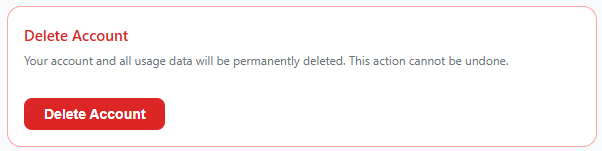
Go to the "Delete Account" section at the bottom of the Settings page. You will see a summary of your stored data before proceeding. Select a reason, type "DELETE" to confirm, and your account will be deleted.
What Gets Deleted
- Usage snapshots and daily token records
- Shared chart images
- Email aliases
- Organization memberships (organizations where you are the only member will also be deleted)
- Notification history and profile information
90-Day Recovery Period
You can recover your account by logging back in within 90 days. After 90 days, all data is permanently deleted and cannot be restored.
Please Note
- If you are the sole admin of an organization with other members, you must transfer the admin role before deleting your account.
- Claude Tuner does not collect your conversations — only usage statistics are stored and deleted.
Curious about what data is collected?
Claude Tuner only collects the minimum information necessary to provide its service — such as your 5-hour and 7-day usage data and plan information. Your Claude conversations are never collected. For full details, please refer to our Privacy Policy. If you'd like to verify this yourself, you can inspect the extension's API calls directly in your browser's developer tools.