Your prompts, ready on Claude, ChatGPT and Gemini
Keep the prompts you use across Claude, ChatGPT and Gemini in one place, and pull any of them into whichever chat you're in. Plus, browse the prompts other people use most. (v1.56.0)
1. Manage your own prompts in one place
If you use more than one AI, your best prompts end up scattered across notes, chat history and each service's settings, and you retype them every time you switch. Keep them in one "My prompts" list instead.
- Use one: click the "Prompts" chip under the input box, or press ⌥⇧P / Alt+Shift+P. Search, pick, and it's typed in at the cursor.
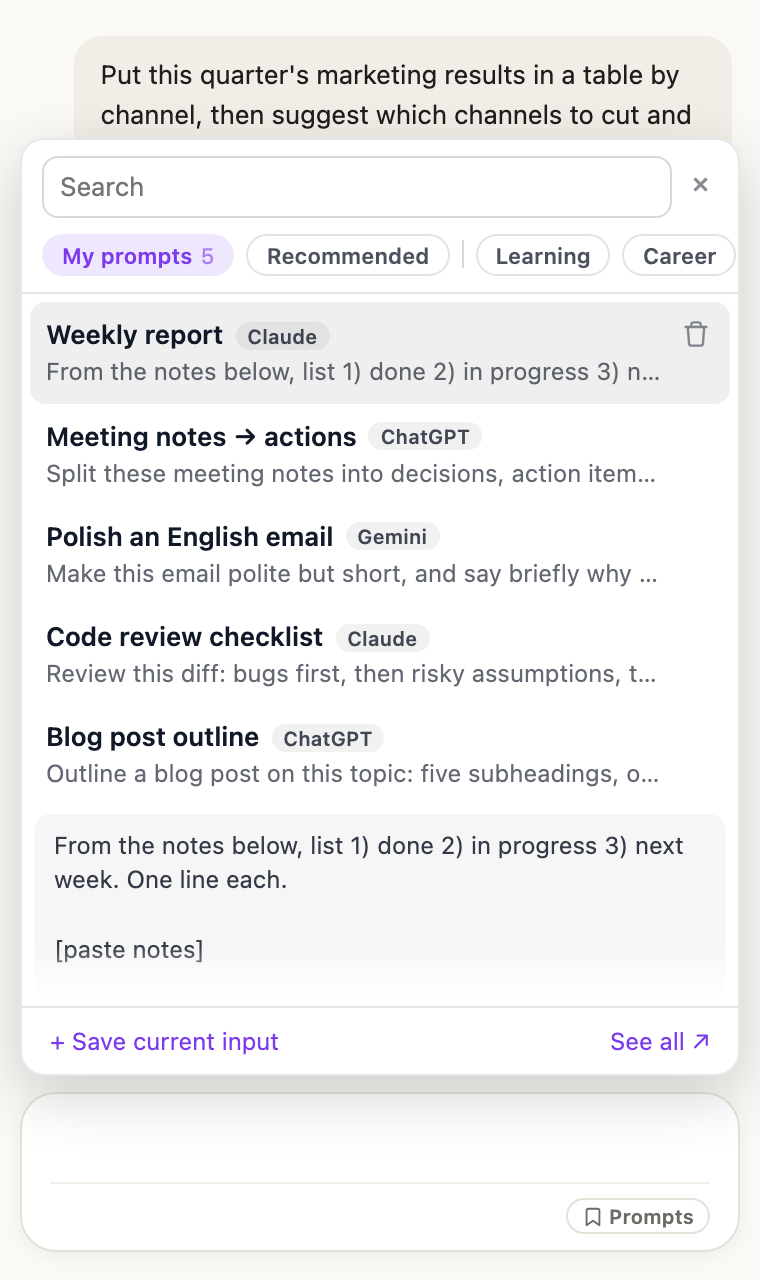
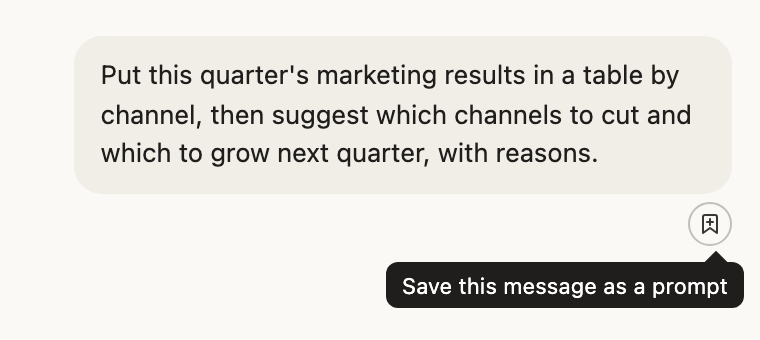
- Save one: click the bookmark under a sent message. For what you're typing, use "Save current input" in the picker.
- A prompt saved on Claude works the same on ChatGPT and Gemini. A tag shows where you saved it.
- Claude Tuner only types it in; you press send.
2. See what other people use most
- "Recommended" in the picker and claudetuner.com/prompts list tested prompts, most used first — from Ethan Mollick's lab at Wharton, Fabric, awesome-chatgpt-prompts and more. Every prompt shows its author, original link and license, and anyone can browse without an account.
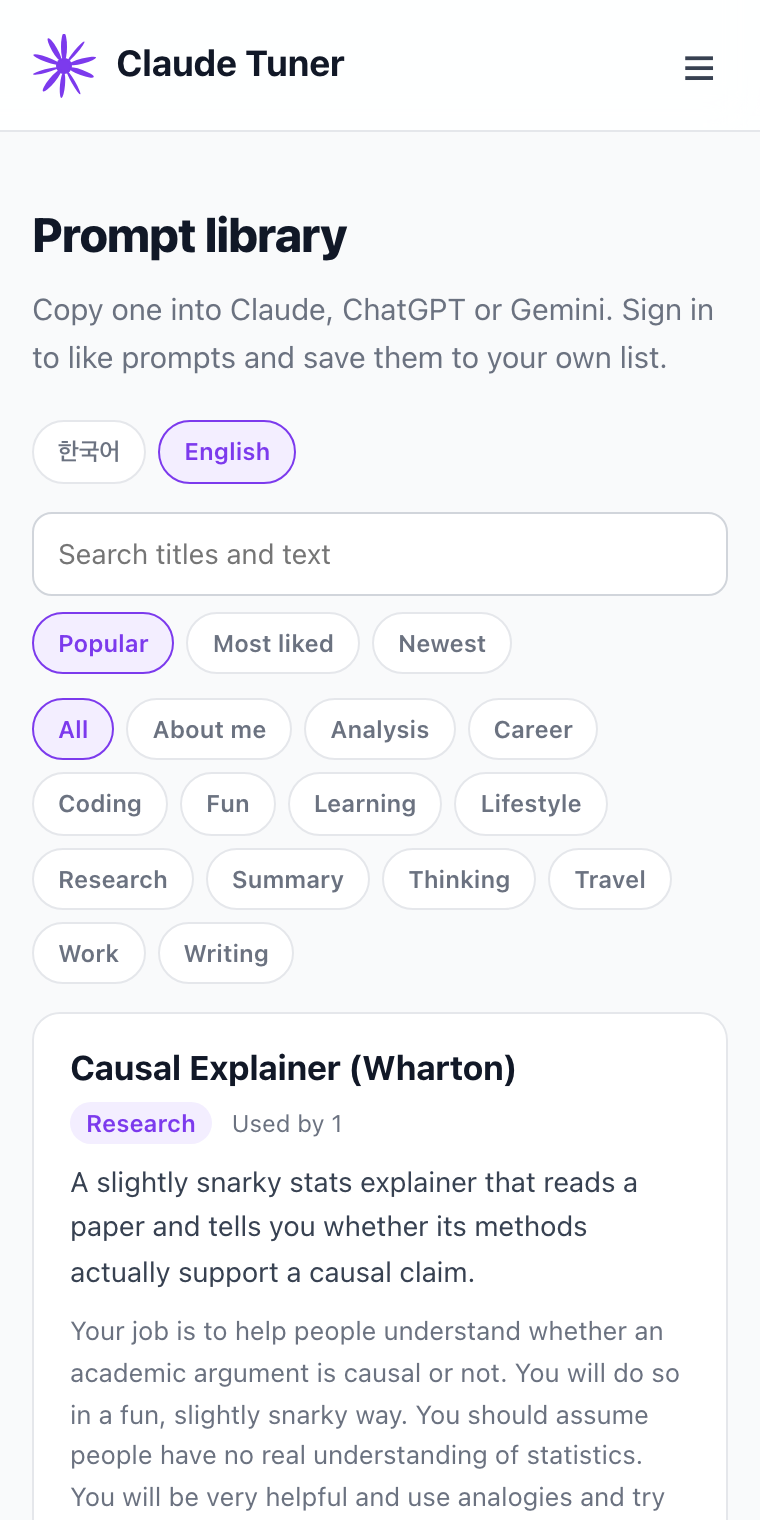
- Like one? Save to my prompts and adapt it.
- Share copies the prompt's link; anyone can open it without signing in.
- Leave a comment on how it worked (sign-in required; your email and real name are never shown).
The ChatGPT and Gemini chips appear once you've allowed the extension on those sites.