Profile Picture & Name Editing
Previously, only Google login users had their profile picture and name automatically set. Users who signed in via the extension had no name or photo displayed, making it harder to identify members in the team dashboard. Now everyone can set their profile directly from the Settings page.
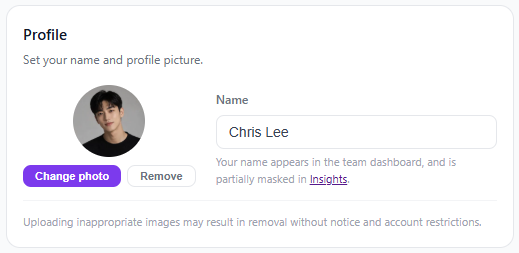
- Change your name and upload/remove a profile picture in Settings > Profile
- Click your profile image on the dashboard to jump to settings
- Reflected in team dashboard, insights, and ranking charts
- WebP/PNG/JPEG, max 1MB