Team Dashboard Group Management
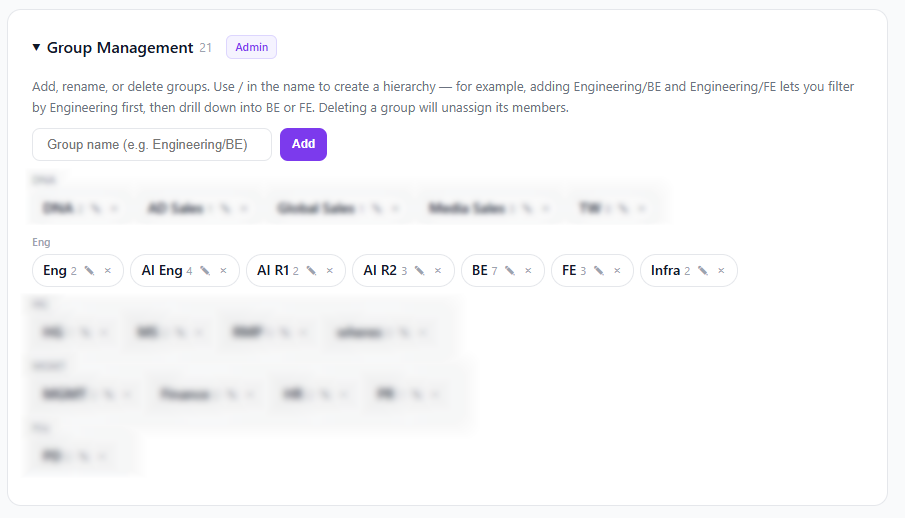
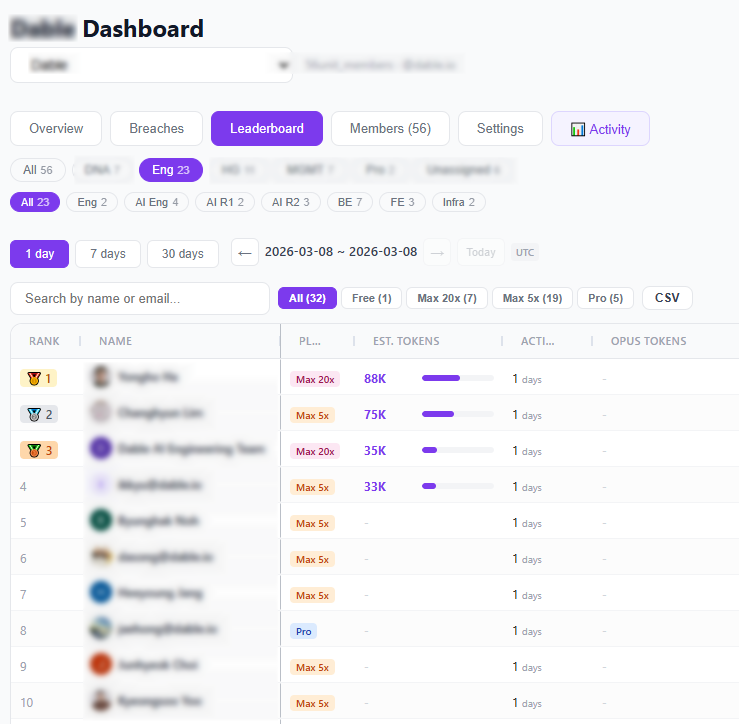
As organizations using the Team Dashboard have grown, managing dozens or hundreds of members on a single screen became difficult. You can now organize members into groups and filter by group.
Key Features
- Create / Rename / Delete groups — Manage in the Settings tab
- 2-level hierarchy — Use / to separate parent and child groups
- Filter — Filter members by group; selecting a parent group lets you drill down into subgroups
- Bulk assign — Select multiple members with checkboxes and assign to a group at once
Hierarchy Example
Set up groups like:
CTO/BackendCTO/FrontendCFO/FinanceCFO/HR
Select CTO in the filter to see both Backend and Frontend members together, or select CTO/Backend to see only Backend.
How to Use
- Team Dashboard → Settings tab → Group Management
- Enter a group name and click Add (e.g. CTO/Backend)
- Select members in the table → Assign group