Join Teams via Invite Link
How invite links work
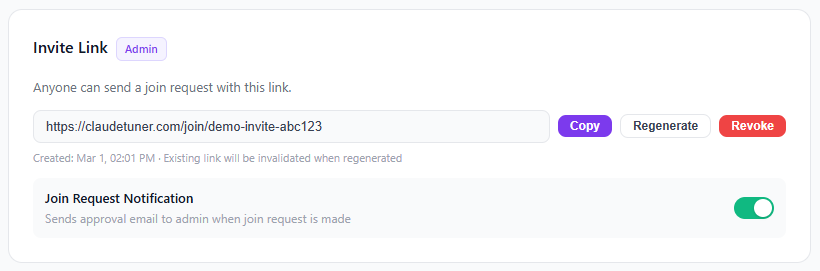
Team admins can generate invite links to onboard new members quickly. No need to manually add each person — just share the link!
How to join
- Ask your team admin for the invite link.
- Open the link in your browser while signed in to your dashboard.
- Click "Request to Join" — the admin will be notified and can approve your request.
Once approved, your usage data will appear on the team dashboard automatically.